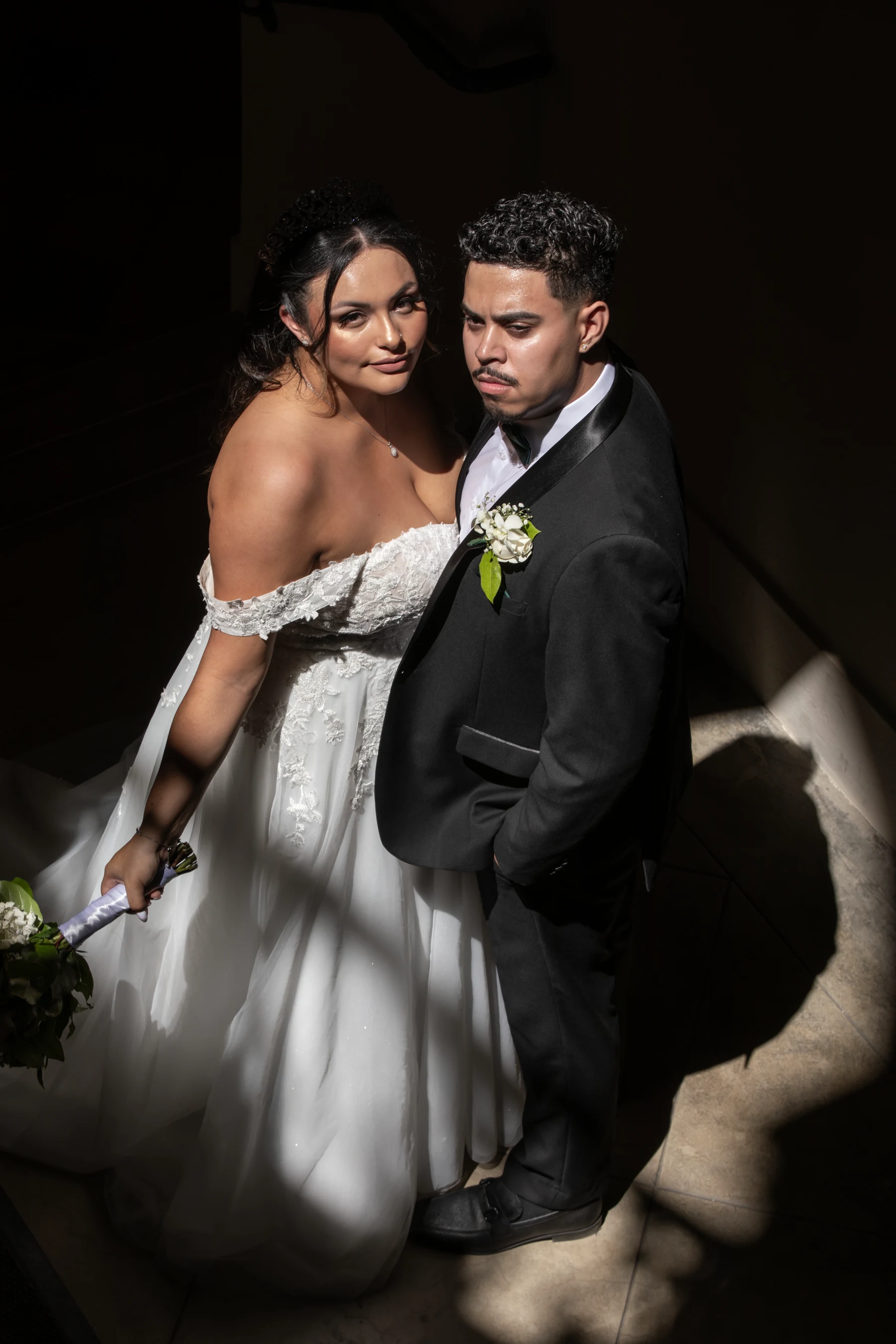
Almost every couple asks me how much storage they need for wedding photos about a week before their gallery lands, usually in a slightly panicked text. Here is the short answer I give Los Angeles couples: your edited gallery will be somewhere between 5GB and 10GB, your wedding film adds another 3GB to 25GB, and if you want the whole archive to survive the next thirty years you should buy 1TB and keep it in three places. That is the entire answer. The rest of this post is why those numbers are what they are, and where couples lose their photos anyway.
The numbers behind your gallery size
At a typical eight-hour Los Angeles wedding I press the shutter around 4,000 times. Those are RAW files off a 45-61 megapixel body, and each one is 25MB to 60MB depending on the camera and how much detail is in the frame. That means my card-to-hard-drive haul from your day alone is roughly 150GB to 250GB of RAW before I have edited a single frame. You never see that number, and you do not want to. I cull it down hard, which is why I shoot 4,000 frames and you get around 600.
What lands in your gallery is a set of finished, full-resolution JPEGs. A full-res edited JPEG from a modern body runs about 8MB to 18MB. Do the multiplication:
- 400 photos (a shorter six-hour day): roughly 3.5GB to 7GB
- 600 photos (a standard eight-hour LA wedding): roughly 5GB to 10GB
- 900 photos (ten to twelve hours, two shooters, a big Persian or Indian wedding with three events): roughly 8GB to 16GB
If you are trying to predict your own number before the gallery arrives, start with how many photos to expect from an eight-hour wedding and multiply by 12MB. You will be within about 20 percent, which is close enough to buy a drive.
Video is the part nobody budgets for
Here is where couples get caught out. We do photography and cinematic film under one roof at ConneryFilm, so I watch the same couple plan storage for the photos and completely forget the movie. A 5-minute highlight film exported at 4K is about 2GB to 4GB. Add a full ceremony edit, toasts and a documentary cut and you are at 15GB to 25GB for the video deliverables alone. That is two to three times the size of the entire photo gallery.
So when I say 1TB, I am not being paranoid. I am accounting for the photos, the films, your engagement session, and the fact that in ten years you will want to put all of it in one place with your baby photos and your house closing documents.
What I'd buy if it were my wedding
I'll be blunt: the single worst thing you can do is leave your only copy of your wedding on the photographer's online gallery and assume it will be there forever. Gallery links expire. Studios close. Hard drives at studios die. Mine are backed up four ways and I still tell every couple to download within the first month. Your photographer's archive is a courtesy, not a guarantee.
The setup I actually recommend, in order of how much it matters:
- One portable SSD, 1TB or 2TB. A 1TB portable SSD from a major brand runs roughly $80 to $140, and a 2TB runs about $130 to $250. Buy the SSD, not the spinning drive. Spinning drives fail when they get knocked off a desk; SSDs generally do not. This is your primary copy.
- One cloud account. 2TB of consumer cloud storage runs roughly $10 to $12 a month across the big providers. This is your off-site copy, and it is the one that saves you in a fire or a break-in. In LA specifically, I have had two couples lose drives to car break-ins in Silver Lake and DTLA. Cloud is not optional here.
- One flash drive or second cheap drive at a parent's house. Cheap, boring, effective. If your gallery is under 64GB a flash drive handles it fine, which is the whole argument in my post on what size flash drive wedding photos need.
Total cost of doing this properly: about $200 up front and $120 a year. Against a wedding where the photography alone started at a few thousand dollars, that is the cheapest insurance you will ever buy.
The 3-2-1 rule, translated out of IT-speak
Professionals use a rule called 3-2-1: three copies of the file, on two different kinds of media, one of them off-site. It sounds like corporate nonsense until you realize it is just describing the setup above. SSD in your desk drawer, cloud account, flash drive at your mother's place in Pasadena. Three copies, two media types, one off-site. Done.
What it protects against is the thing that actually kills wedding photos, which is not drive failure. It is the one copy. A single drive with your entire wedding on it is not a backup, it is a countdown. I have sat across from a couple at a consultation who had lost their first wedding gallery because the photographer went out of business and their laptop was stolen the same year. There was nothing left. We reshot portraits for them, which helps and is not the same thing.
Do you need to keep the RAW files?
Honestly, no. Most couples who ask me for RAWs are imagining a future where they re-edit their own wedding, and in seventeen years I have seen that happen approximately never. RAW files are 25MB to 60MB each, need specific software to open, and look flat and gray without processing. Asking for 4,000 of them means asking for 200GB of files you cannot open on your phone.
What I do think is worth keeping forever: the full-resolution edited JPEGs, the black and white versions if your photographer delivered them, and every video export. That is the archive. If you want one more layer, keep a folder of your 40 favorites at full resolution somewhere separate — that is the set you will actually print, and it is the set you want findable in five seconds when a parent asks.
How to organize it so you can find anything in 2040
Storage is only half the job. The other half is being able to find the photo of your grandmother laughing during the toasts without scrolling through 600 thumbnails. What works, and what I do with my own family archive:
- One top-level folder named with the date first: 2026-09-12 Wedding. Dates first means chronological sorting forever.
- Subfolders that match the day: Getting Ready, Ceremony, Portraits, Reception, Video.
- A Favorites folder with 30 to 50 images, full resolution. This is the one you actually open.
- Do not rename individual files. Photographer file numbers are sequential and renaming breaks the order.
And do not delete the outtakes to save space. Storage is cheap now and your taste changes — the frame you skip at 28 is often the one you love at 45. I wrote about that at more length in why you should archive wedding photos rather than delete them.
When should you download everything?
The week it arrives. Galleries in this industry typically go live 4 to 12 weeks after the wedding, and download links often stay active for 12 months, sometimes less. Put a calendar reminder for the day your photographer says the gallery is ready and do the whole download and backup in one sitting — it takes about 20 minutes over decent home internet. The couples who lose photos are never the ones who were careless; they are the ones who meant to get to it.
Frequently asked questions
Is 256GB enough for wedding photos and video?
For the delivered files, yes, comfortably. A 600-image gallery plus a highlight film plus a full ceremony edit lands around 25GB to 35GB total. 256GB gives you room for that plus your engagement session and a decade of phone photo dumps. I still push people toward 1TB because the price gap is small and you stop thinking about it.
Can I just keep everything in Google Photos or iCloud?
You can, with one catch: check whether the service is compressing your files. Both offer full-quality storage on paid plans, but default or free tiers may downsize images. If you are paying for 2TB you are generally fine. Treat it as your off-site copy, not your only copy.
How much storage does a wedding photographer actually use per wedding?
On my end, roughly 150GB to 250GB of RAW per wedding for photography, and 500GB to 1.5TB more if we are also filming. That is why studios run RAID arrays and why the archiving is a real line item in what you pay for. It is also part of why galleries take four to six weeks at my studio rather than a few days.
Should I buy the USB drive my photographer offers?
If it is included, take it and use it as your third copy. If it costs $150 extra, buy your own 1TB SSD for a similar price and get five times the capacity. There is nothing magic about a branded drive in a wooden box.
How long do hard drives and flash drives actually last?
Plan on replacing any single drive every 5 to 7 years, whether or not it has failed. Flash drives that sit in a drawer untouched for a decade can lose data silently. Set a reminder to copy everything to a fresh drive when you hit five years — it takes an hour and it resets the clock.
If you are planning a Los Angeles wedding and want photography and film handled by one team — same crew, same day, one archive at the end instead of two vendors and two sets of files to chase — I would love to hear about your day. Call or text 818.749.7039 or come find the work at ConneryFilm.com, and we can talk through your timeline over coffee.
Meet the Author: Connery Davoodian Hello, I'm Connery Davoodian, the visionary behind ConneryFilm, and I'm thrilled to share insights from my 17-year journey through the world of wedding photography and videography. My passion extends beyond simply capturing images; it's about artfully weaving your unique love story into a timeless, cinematic masterpiece. My artistic path began long before I ever picked up a camera, deeply rooted in music as a singer, songwriter, and multi-instrumentalist. This diverse background in directing, producing, and editing has cultivated a unique perspective, allowing me to approach each wedding not just as an event, but as a dynamic narrative waiting to be beautifully told. This blend of technical mastery and creative storytelling is the heartbeat of ConneryFilm, ensuring that every frame, every shot, and every film is infused with depth, emotion, and unparalleled artistic integrity. At ConneryFilm, we believe your wedding memories deserve nothing less than bespoke luxury. My philosophy centers on capturing the authentic, unscripted moments – the genuine smiles, the tender glances, the joyful laughter – that truly define your day. While we obsess over exquisite details and sophisticated aesthetics, our true joy comes from making you feel completely at ease, like a "friendor" who genuinely celebrates alongside you. This calm, organized presence allows your true personalities to shine, resulting in images and films that are as real and vibrant as your love itself. Based in the heart of Los Angeles, California, my team and I are privileged to serve couples across the globe, bringing our signature high-end wedding photography and videography to destination weddings worldwide. Through these blog posts, I aim to share invaluable insights, luxurious inspiration, and practical, fun advice to guide you through your wedding planning journey, helping you make informed decisions about preserving your most cherished moments. Thank you for trusting ConneryFilm to be a part of your extraordinary adventure. I'm excited to share my knowledge and passion with you, helping you create memories that will last forever.